

Barcode test sheet
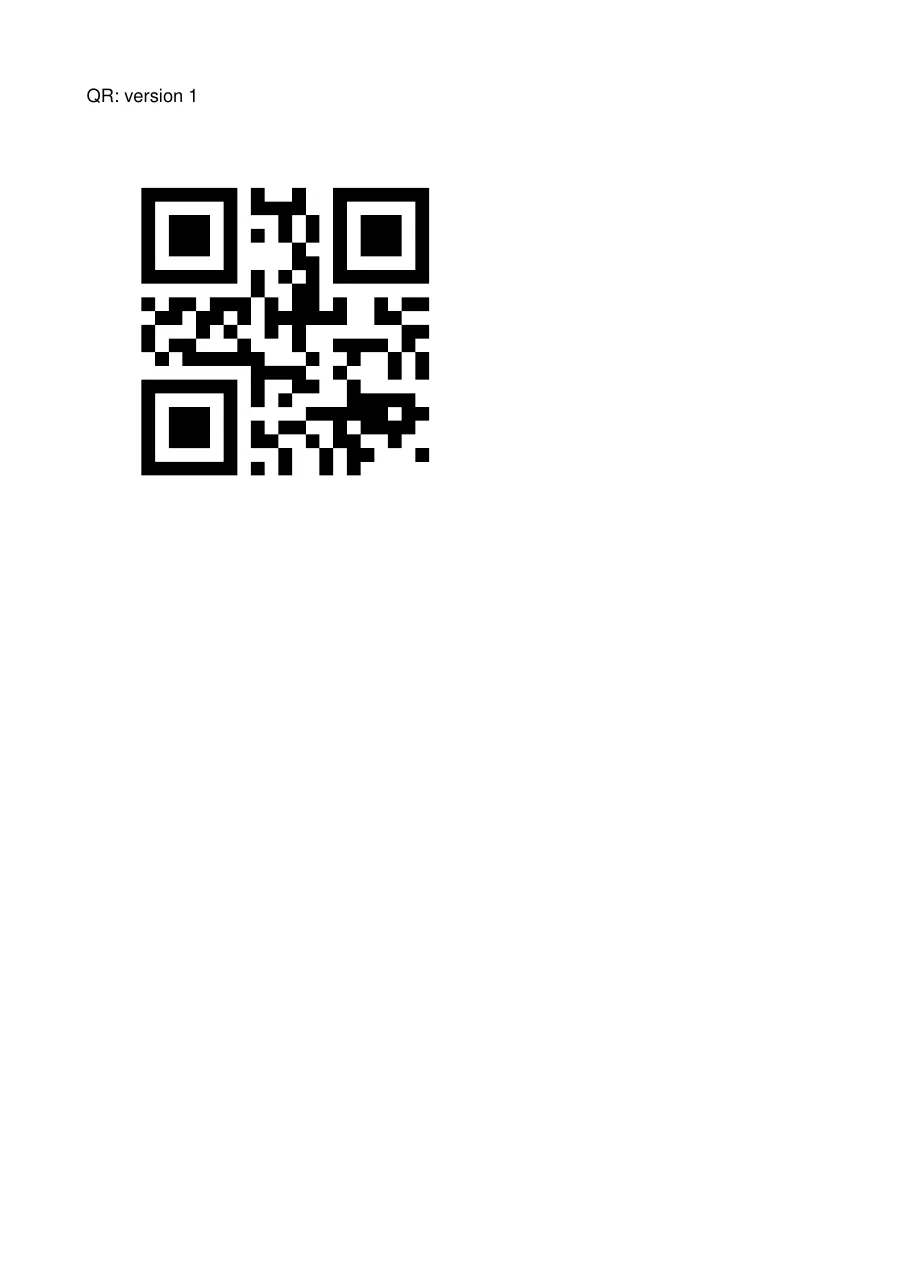
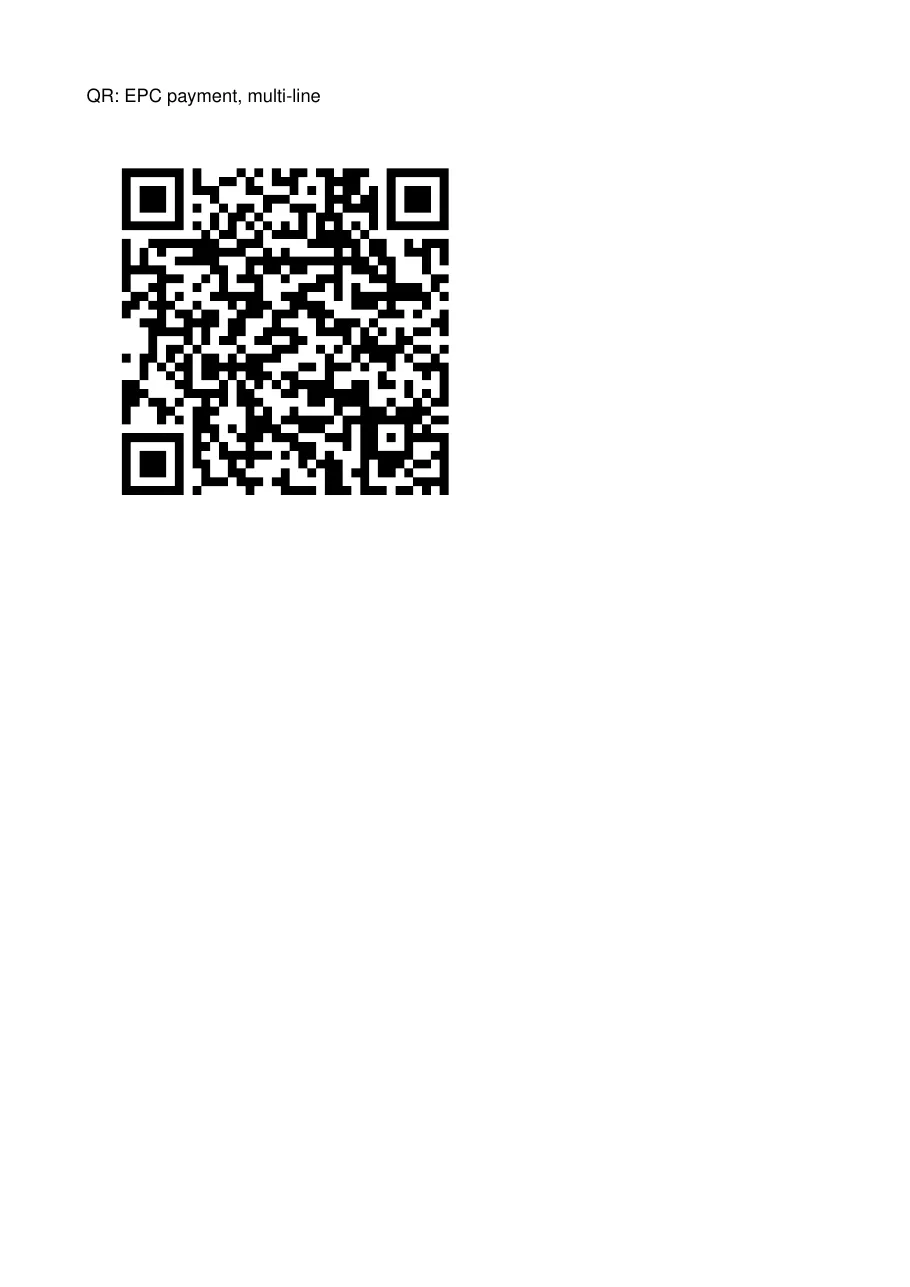
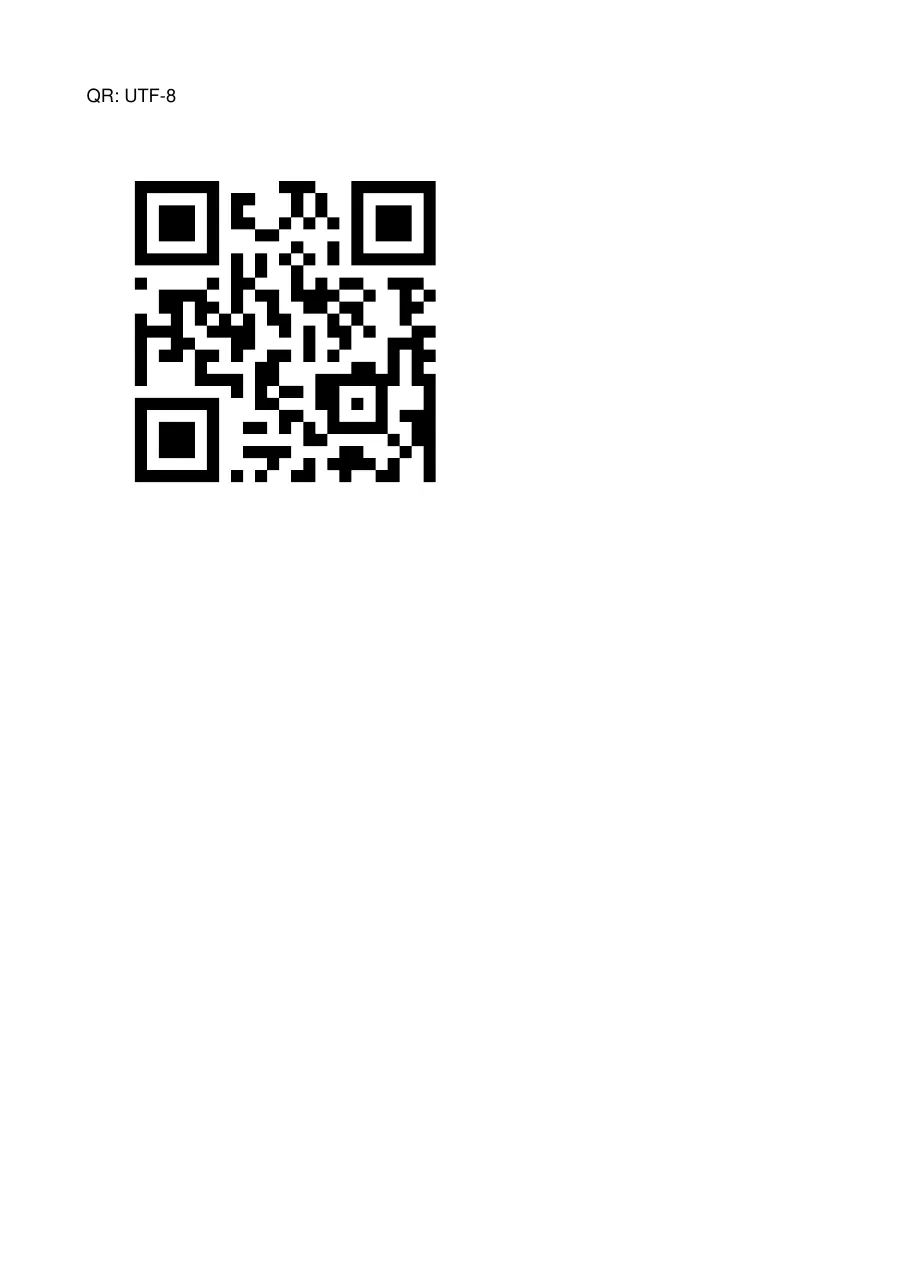
A test sheet with every kind of barcode, one per page: QR codes of every version, Data Matrix up to its largest size, PDF417, Code 128 and EAN-13, some with Unicode text. Tagua’s CI renders it and decodes every code with an independent reader, which must read back exactly what was encoded.
As a workbook
Section titled “As a workbook”The same report as an Excel workbook (download it), from tagua render barcodes.report.yaml --out barcodes.xlsx;
see Excel export. Each barcode is a picture of its symbol that scanners read.
| A | |
|---|---|
| 1 | QR: version 1 |
| 2 | |
| 3 | QR: EPC payment, multi-line |
| 4 | |
| 5 | QR: UTF-8 |
| 6 | |
| 7 | QR: 600 characters |
| 8 | |
| 9 | QR: version 40 |
| 10 | |
| 11 | Data Matrix: 10x10 |
| 12 | |
| 13 | Data Matrix: 26x26, the largest single region |
| 14 | |
| 15 | Data Matrix: 40x40, 2x2 regions |
| 16 | |
| 17 | Data Matrix: 52x52, 2 blocks |
| 18 | |
| 19 | Data Matrix: 72x72, 4x4 regions, 4 blocks |
| 20 | |
| 21 | Data Matrix: 96x96 |
| 22 | |
| 23 | Data Matrix: 120x120, 6x6 regions |
| 24 |
What it shows
Section titled “What it shows”- QR, Data Matrix, PDF417, Code 128 and EAN-13
- Unicode text in 2D codes
- Barcodes drawn as vectors
- Alternative text on every code
The template
Section titled “The template”# yaml-language-server: $schema=../schema/template.schema.json# A test sheet of every barcode type the renderer draws, one per page. CI renders it, decodes each# page with zxing-cpp and checks every barcode against the value it was given.version: 1title: Barcode test sheetculture: en-US
page: size: A4 margins: 20mm
data: codes: fields: { Symbology: string, Value: string, Note: string }
styles: default: { font: Helvetica, fontSize: 12pt }
body: dataset: codes
detail: - pageBreak: after gap: 16pt content: - { type: text, value: "{Symbology}: {Note}", tag: h1 } - { type: barcode, symbology: qr, value: "{Value}", width: 260pt, alt: "{Symbology}: {Note}", visible: "=Symbology == 'QR'" } - { type: barcode, symbology: dataMatrix, value: "{Value}", width: 300pt, alt: "{Symbology}: {Note}", visible: "=Symbology == 'Data Matrix'" } - { type: barcode, symbology: pdf417, value: "{Value}", width: 480pt, alt: "{Symbology}: {Note}", visible: "=Symbology == 'PDF417'" } - { type: barcode, symbology: code128, value: "{Value}", width: 400pt, height: 90pt, alt: "{Symbology}: {Note}", visible: "=Symbology == 'Code 128'" } - { type: barcode, symbology: ean13, value: "{Value}", width: 250pt, height: 90pt, alt: "{Symbology}: {Note}", visible: "=Symbology == 'EAN-13'" }Render it yourself
Section titled “Render it yourself”Save the template, put the fonts it names next to it (Inter and the Noto fonts are free, under the SIL Open Font License), and run:
tagua render barcodes.report.yaml --openWithout a data file, tagua render makes up sample rows from the field types; see Preview as you edit.